
ThemesPress Query For Woocommerce
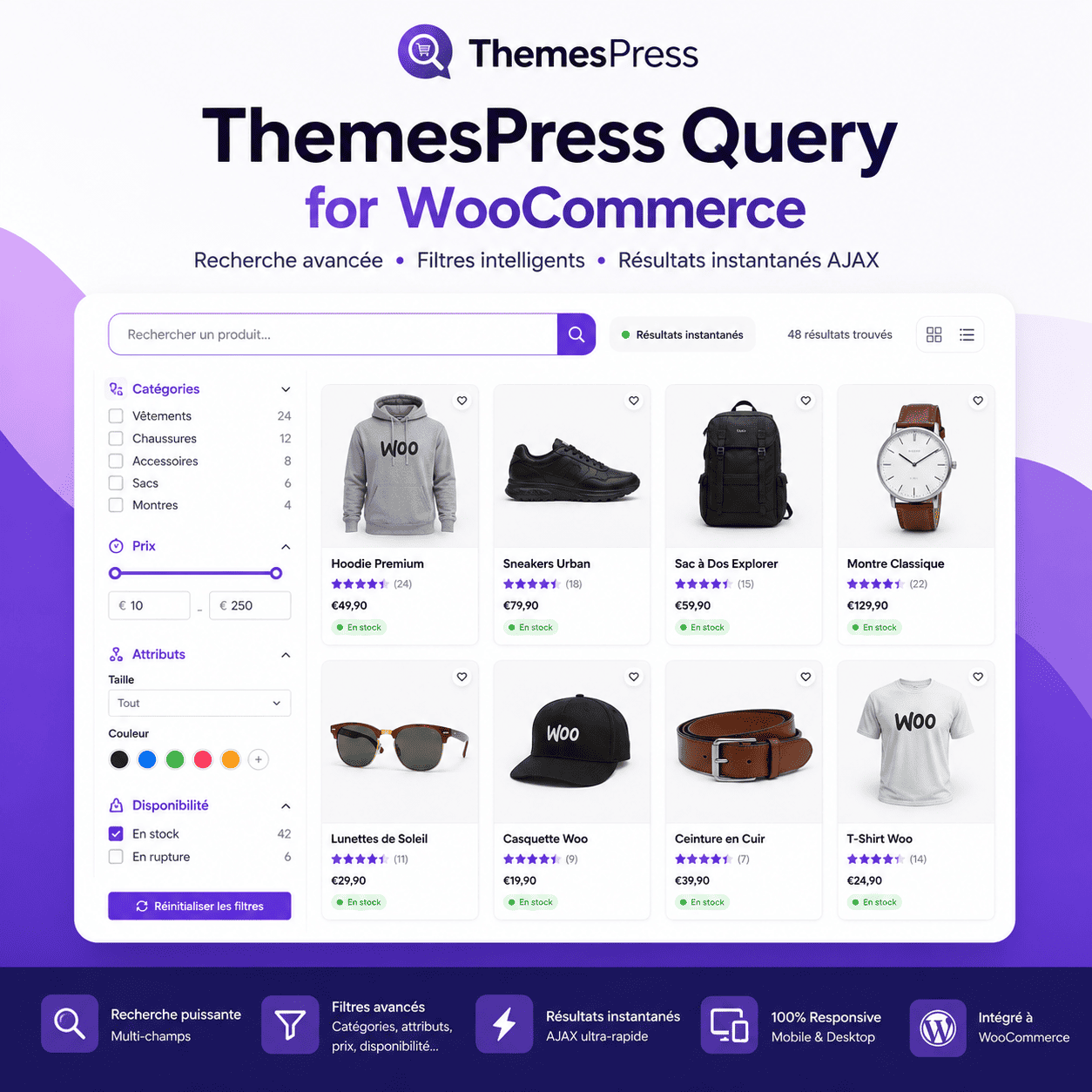
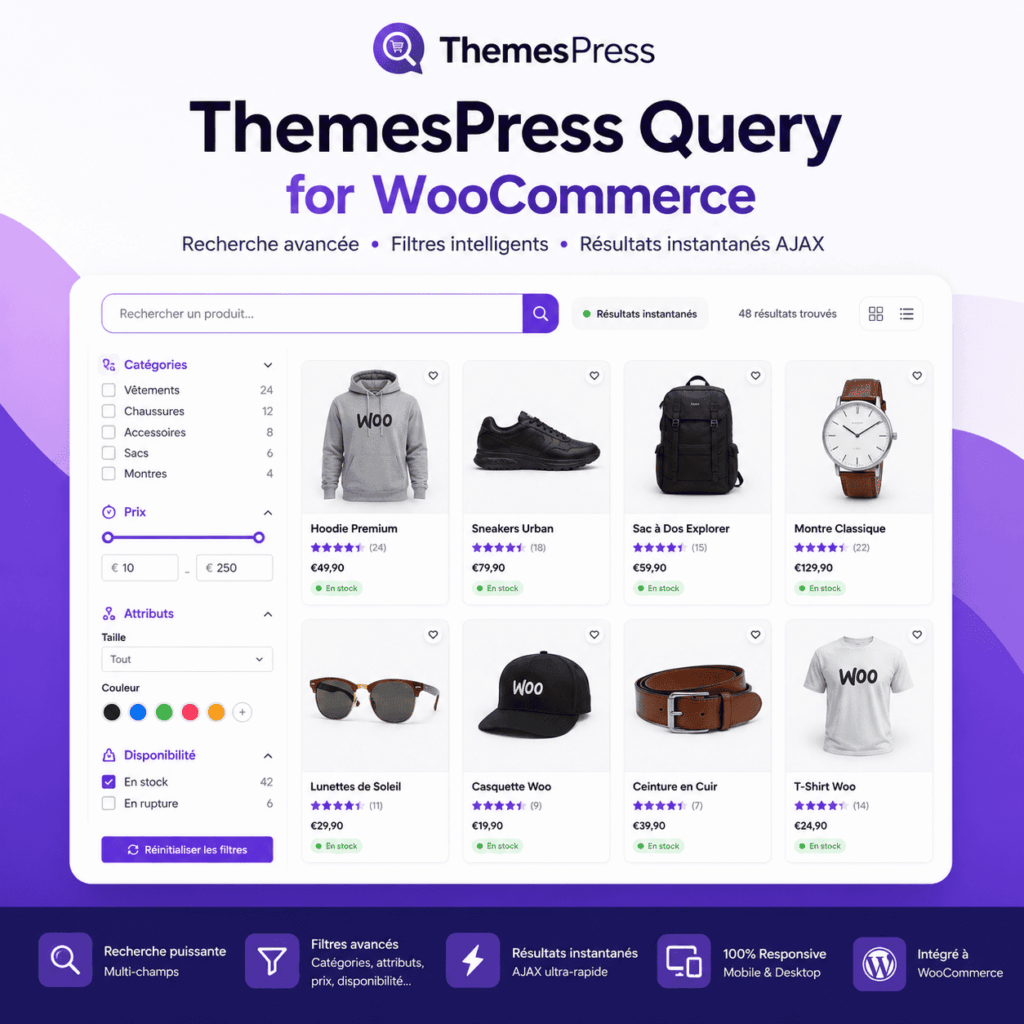
Advanced WooCommerce Search Filter: Modern, Fast, and Elegant Search
Finding the right product quickly can make all the difference in an online store. ThemesPress Query for WooCommerce was designed to provide visitors with a simple, fast, and enjoyable search experience.
This Advanced WooCommerce Search Filter replaces traditional search methods with a modern interface and instant results, helping customers quickly discover the products that truly match their needs.
Instant and Accurate Results
Thanks to AJAX search, results can appear directly on the page without a full reload. This provides visitors with a smoother browsing experience, especially useful for stores with a large number of products.
The search can include product names, SKUs, categories, tags, and WooCommerce attributes. Multiple filters can also be used to refine the results based on the specific needs of your product catalog.
Easy-to-Understand Filters
The Advanced WooCommerce Search Filter allows visitors to select a category, a price range, or different product attributes. They can also choose to display all products, only items that are in stock, products available on backorder, or products currently on sale.
Each search option is clearly presented, making it easy to use even for customers who are less familiar with online shopping. A reset button also allows users to quickly clear the selected filters.
A Carefully Crafted Design
ThemesPress Query for WooCommerce goes beyond functionality. Its interface was designed to give your product catalog a modern and professional look. The search bar, sidebar filters, instant result indicators, and product display work together to create a clean, attractive, and enjoyable browsing experience.
It is undoubtedly one of the most visually appealing search filters you can add to a WooCommerce store, while remaining simple and intuitive for your customers.
It will also soon be integrated into our Obiweb Statistics for WooCommerce plugin.
Multiple Sorting Options
Once the products have been found, visitors can sort them using different criteria: relevance, price from low to high or high to low, newest products, sales, alphabetical order, or average rating. This allows them to browse your catalog in the way that best suits their needs.
ThemesPress Query for WooCommerce is therefore an excellent solution for improving store navigation, showcasing your products more effectively, and helping visitors find what they are looking for faster.