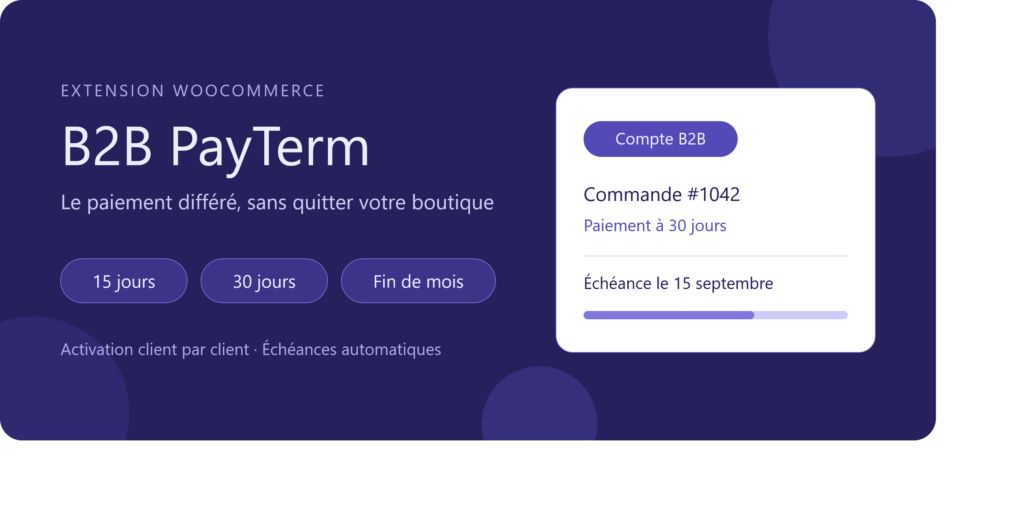

B2B PayTerm for WooCommerce – Deferred Payments for WooCommerce
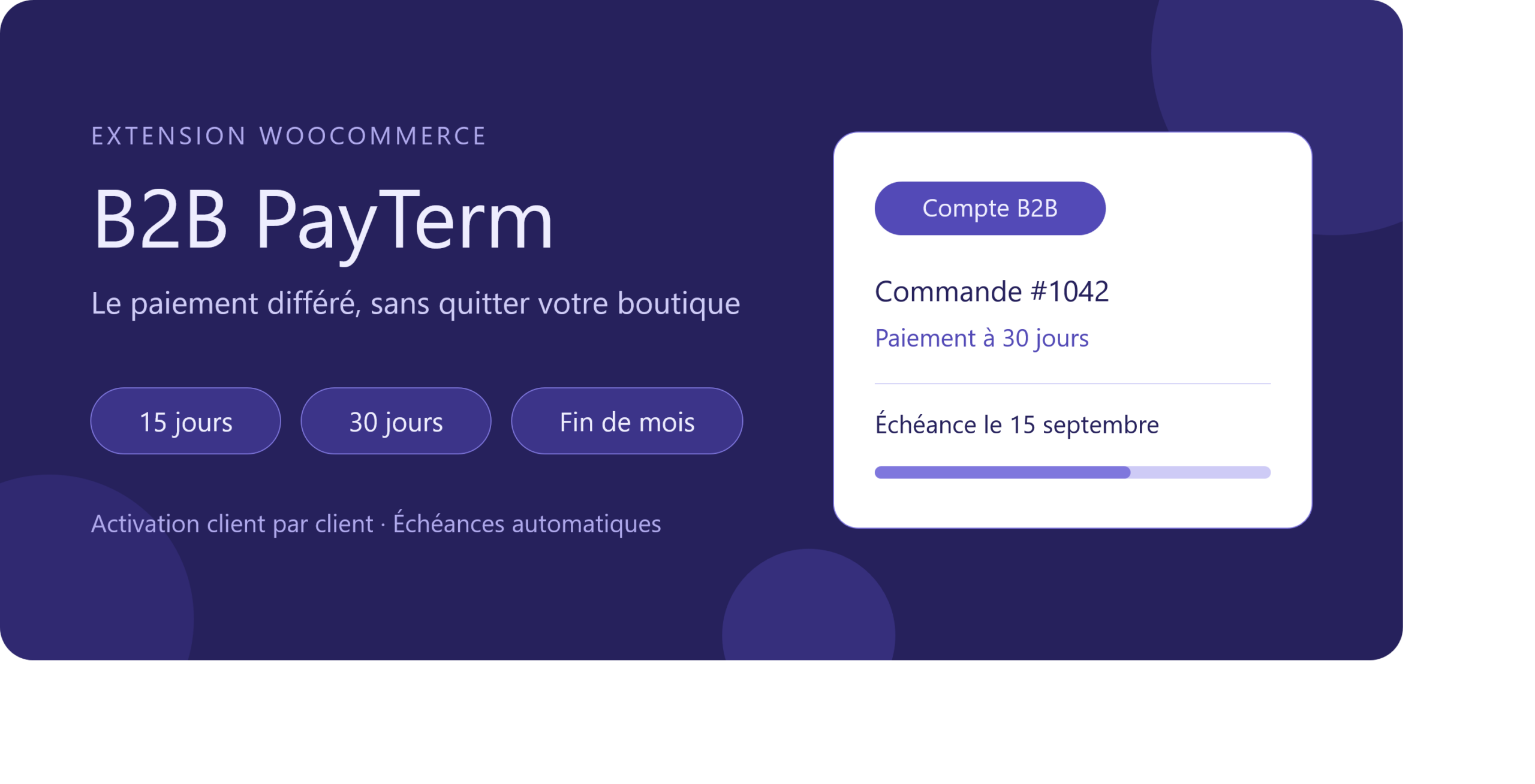
Deferred payments on WooCommerce: Your business customers don’t pay the same way as individual consumers.
In B2B commerce, paying by credit card at the time of order is not the norm. Your professional customers expect payment terms: 15 days, 30 days, or end of month. Without the right tool, you’re forced to manage the process outside your website — manual quotes, orders by email, invoices tracked in spreadsheets. Every order becomes additional administrative work.
Themespress B2B PayTerm for Woocommerce brings the entire process back into WooCommerce.
Three payment methods, enabled on a customer-by-customer basis
The plugin adds three payment methods to your store: payment in 15 days, payment in 30 days, and payment at the end of the month. You can enable the ones you need, customize their labels, and make them available only to authorized customer accounts.
This is the key feature: these payment methods only appear for customers you have approved. A simple checkbox in the user profile is all it takes. Your visitors and retail customers see a standard checkout, while your business partners see their agreed payment terms. No risk of unintended access, and no promo codes to manage.
The due date is calculated and tracked automatically
As soon as the order is confirmed, it is placed on hold pending payment, and the plugin automatically calculates the actual due date. This date is displayed directly in the order details in the WooCommerce admin area, so there’s no need to count the days manually or work out when the end of the month falls.
On the customer side, an automatic reminder appears in the “My Account” area the day before payment is due, including the invoice number and a direct link to the order. A badge also clearly shows whether the user has a B2B account or a standard customer account. Fewer manual reminders, and faster payments.
Lightweight, Clean, and Ready to use
No complex setup and no external dependencies. The plugin uses your theme’s variables, automatically adapting to your store’s colors, typography, and spacing on both block themes and classic themes. Its CSS is loaded only on the pages where it is needed and adds no extra HTTP requests.
The plugin is fully translation-ready and includes filters that let you customize labels to match your business terminology.
Save Time on Every B2B Order with Deferred Payments for WooCommerce
Install the Obiweb B2B for WooCommerce plugin, enable the deferred payment methods you want to offer, then activate them for the relevant B2B customer accounts. Your business customers can place orders independently using their agreed payment terms, directly from your store — while you keep track of upcoming due dates automatically.