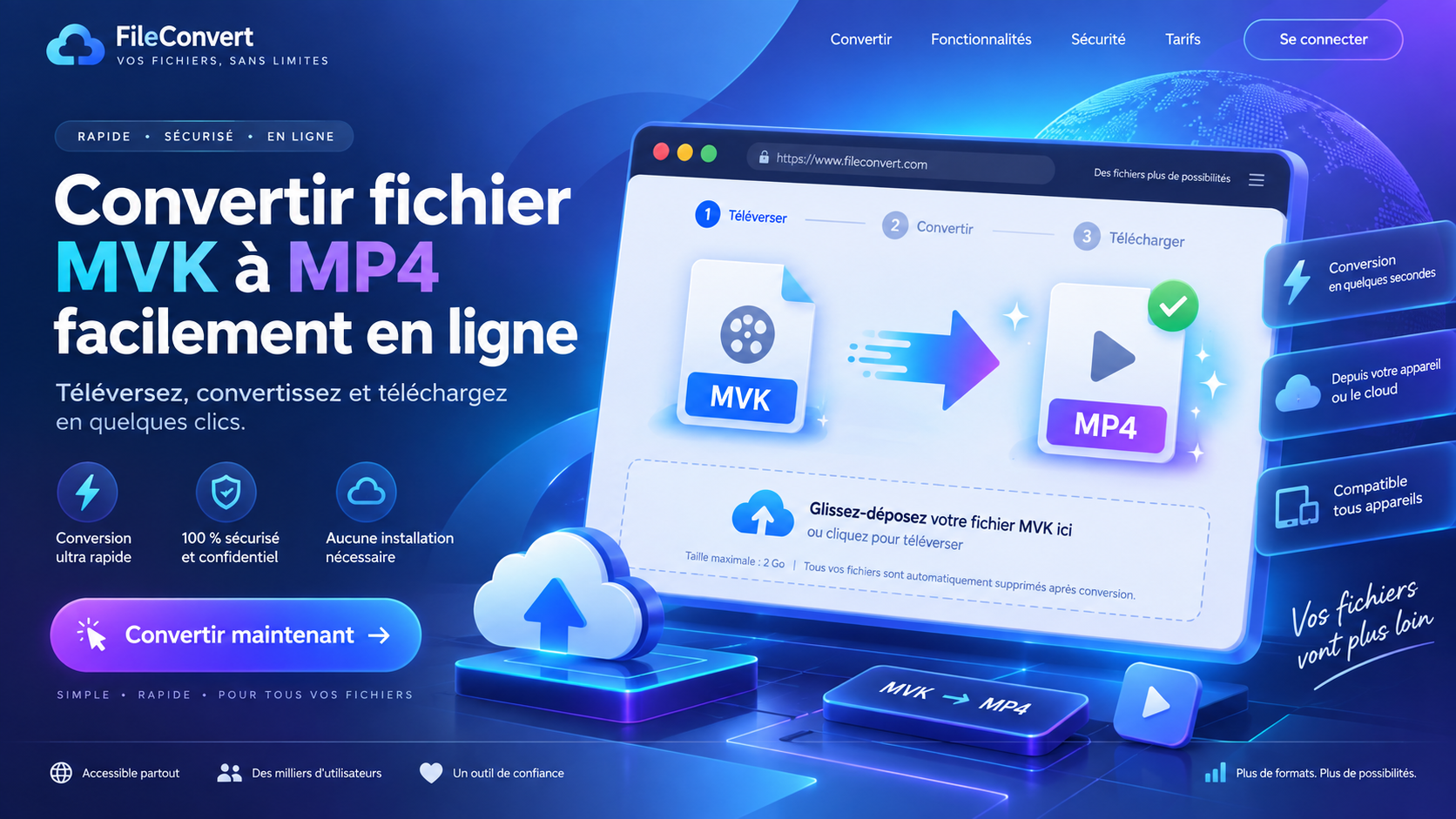

Convert an MKV file to MP4 easily online
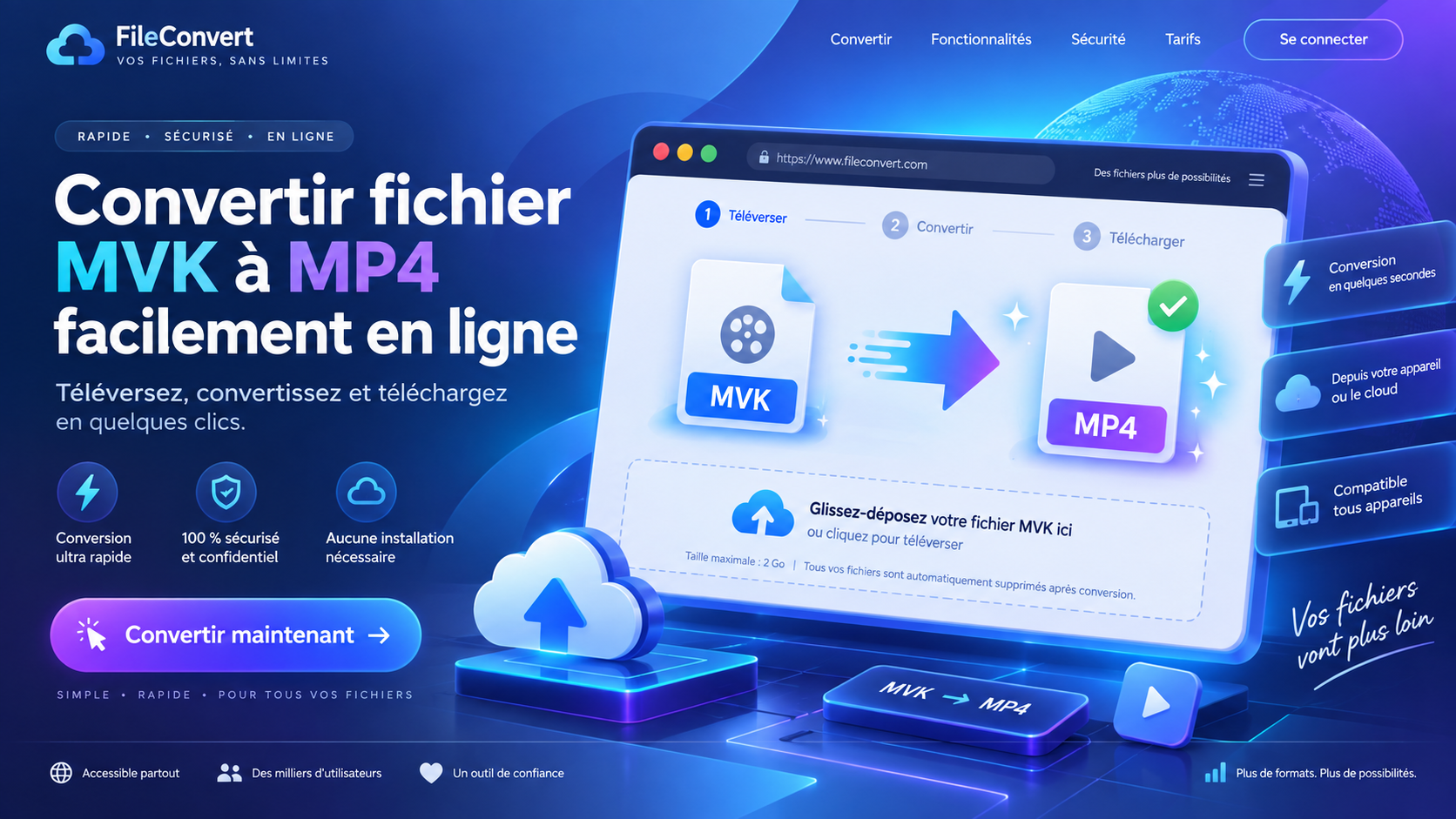
Convert an MKV file to MP4 easily online.
Do you have a video in MKV format that you want to use on a device or application that supports MP4 instead? Obiweb MKV to MP4 lets you convert your video directly online, without downloading or installing any software.
It’s simple to use: select your video file, start the conversion process, then download the MP4 version once the conversion is complete. The tool works directly in your browser, on both desktop and mobile devices.
A Simple Conversion in Just a Few Steps
With Obiweb, you can quickly convert an MKV file to MP4 using an interface designed to keep things simple and straightforward. Upload and conversion progress is displayed on screen, allowing you to track your video as it is being processed.
The tool supports files up to 1 GB, making it suitable for both small videos and larger files.
Why Convert MKV to MP4?
The MKV format is useful for storing high-quality videos, but it is not always supported by certain devices, software, or platforms. MP4, on the other hand, offers excellent compatibility and can be played on most modern computers, smartphones, tablets, and TVs.
If you need to convert an MKV file to MP4, Obiweb makes it easy to get a file that is simpler to play, transfer, or share, without having to install any additional software.
A Tool Available Entirely in Your Browser
No special setup is required. Simply open the tool, select your video, and start the conversion. Once the file is ready, you can download it directly in MP4 format.
Obiweb MKV to MP4 provides a simple way to convert your videos online, with a clear interface that can be accessed from a variety of devices.